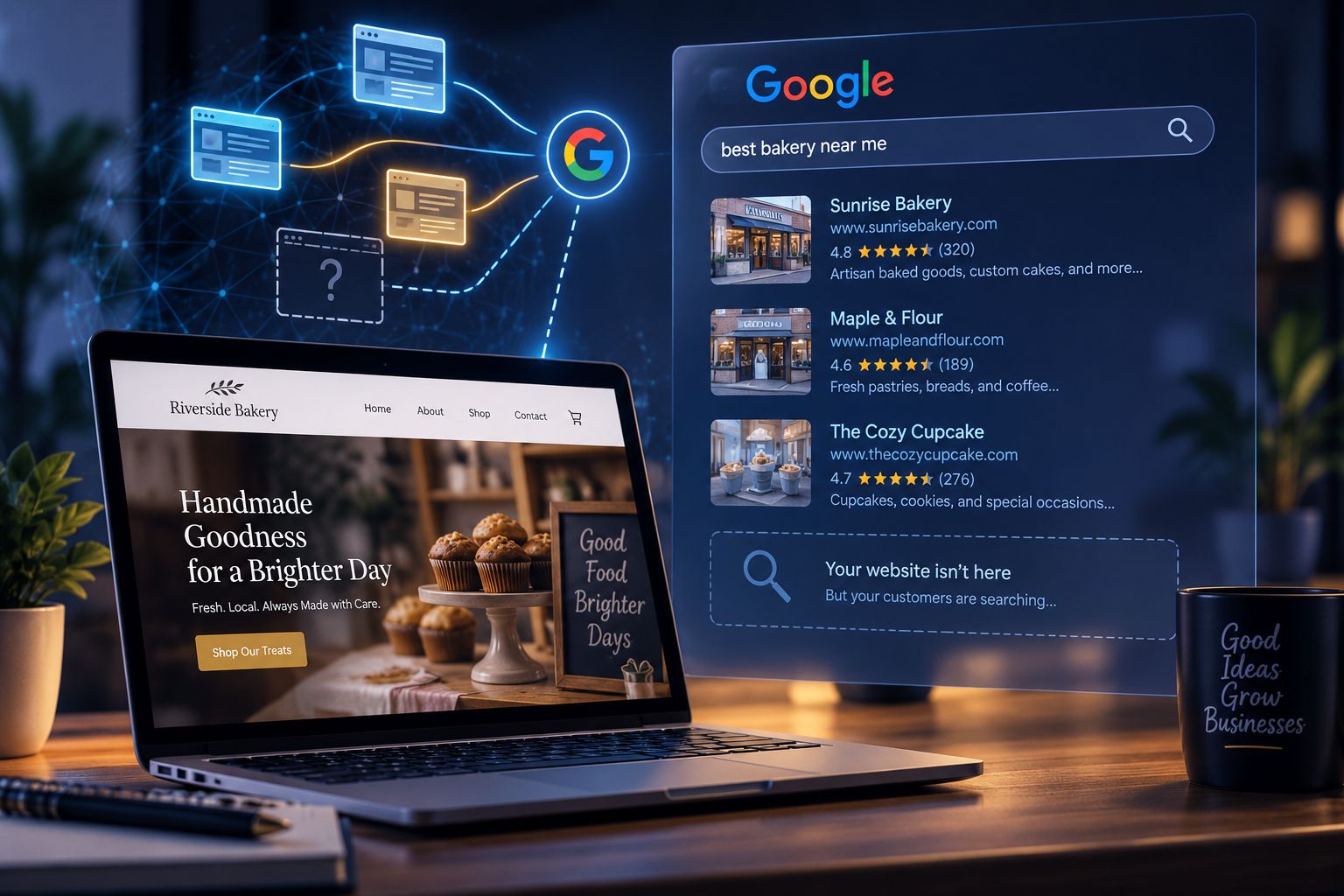
Short answer: your site is almost certainly missing one of three things — Google can’t fully crawl and index it, it has no Google Business Profile backing it up, or it doesn’t clearly answer the exact question a customer is typing into the search bar. Fix those three, in that order, and most small business sites start appearing within a few weeks to a few months. There’s no secret switch — just a checklist, done properly.
This guide walks through how Google actually finds your site, a practical checklist to fix the common blockers, and a newer piece of the puzzle: how to show up in AI-generated answers (AEO), not just the traditional blue links.
How Google Actually Finds and Shows Your Site
Before troubleshooting, it helps to know the three-stage pipeline every page goes through. If a page fails any stage, it can’t show up in search — no matter how good the content is.
| Stage | What’s Happening | What Breaks It |
|---|---|---|
| 1. Crawling | Google’s automated bots (“crawlers”) follow links to discover your pages | Blocked in robots.txt, no internal links to a page, site too new to be found yet |
| 2. Indexing | Google reads and stores the page in its database | noindex tag left on by accident, duplicate/thin content, JavaScript that hides content from bots |
| 3. Ranking | Google decides where your indexed page appears for a given search | Weak relevance to the query, thin content, no local signals, poor technical performance (speed, mobile) |
A simple way to think about it:
Crawl  →  Index  →  Rank
(found)   (stored)   (positioned)
Most “I’m not on Google at all” problems happen at the Crawl or Index stage. Most “I’m on Google but on page 3” problems happen at the Rank stage. This distinction matters because the fixes are completely different — and it’s the first thing to diagnose before you spend money on anything.
Google is direct about this: there’s no guarantee that any specific site will be added to its index, but following the Search Essentials meaningfully improves the odds of showing up in results (see Sources below).
The Checklist: 7 Things to Check, In Order
1. Confirm Google can actually find your site
Search site:yourdomain.com in Google. If nothing comes up, Google hasn’t indexed you yet. From there:
- Check
robots.txt(yourdomain.com/robots.txt) isn’t blocking Google entirely - Check individual pages don’t have a stray
noindexmeta tag (common after a site migration or staging-to-live copy) - Submit your sitemap in Google Search Console — this is free and is the single most useful diagnostic tool for this whole process
2. Claim and complete your Google Business Profile
For any business with a physical location or service area, this is often more important than the website itself for local visibility — it’s what powers the map pack, the Knowledge Panel, and “near me” results. For a step-by-step walkthrough, see our Google Business Profile guide for Georgia service businesses. A complete profile includes:
- Correct business name, address, phone number (matching your website exactly)
- Accurate category and service area
- Business hours, photos, and a filled-out description
- Regular posts and prompt responses to reviews
3. Add structured data (schema markup)
Structured data is a standardized bit of code that tells search engines — and increasingly, AI systems — exactly what your business is, in unambiguous terms (business type, hours, address, services). It doesn’t guarantee a ranking boost, but it removes ambiguity that could otherwise work against you.
The most relevant type for a small business is LocalBusiness (or a more specific subtype, like Restaurant or Dentist). For a deeper breakdown of schema markup and other technical SEO fundamentals, see our technical SEO guide.
4. Write content that matches what customers actually search
This is the piece most small business sites skip. A homepage that says “Welcome to [Business Name]” with a stock photo doesn’t answer any real question. Pages that rank tend to directly answer something like “emergency plumber in [city]” or “how much does [service] cost.” Practical steps:
- Have a dedicated page per core service, not one page trying to cover everything
- Include your city/region naturally in page titles and headings if you serve a local area
- Answer the specific questions customers ask before they call — pricing ranges, timelines, service areas
For more on structuring pages and content so both customers and search engines can navigate them easily, see our guide to content architecture.
5. Fix the technical basics
| Check | Why It Matters |
|---|---|
| Mobile-friendly | Over half of searches happen on mobile; Google evaluates the mobile version of your site first |
| Page speed | Slow-loading pages lose visitors and can hurt ranking |
| HTTPS (secure) | A baseline trust and ranking signal |
| Working internal links | Helps Google discover all your pages, not just the homepage |
6. Build legitimate local signals (backlinks and citations)
Consistent business name/address/phone listings on directories (Yelp, industry-specific directories, local chamber of commerce sites), plus a handful of genuine links from other local or industry websites, tell Google your business is a real, established presence — not just a webpage. Our guide to social media linking covers how profile and platform links factor into this too.
7. Collect and respond to reviews
Reviews are a visible trust signal to both customers and Google’s local ranking systems. A steady trickle of recent, responded-to reviews outperforms a one-time push for fifty reviews that then goes quiet.
What About AEO? (Answer Engine Optimization)
Search itself is changing. Google now shows AI Overviews directly in results, and people increasingly ask AI assistants (like Claude, ChatGPT, or Google’s AI Mode) questions instead of typing keywords. This has led to a new term — AEO (Answer Engine Optimization) — sometimes also called GEO (Generative Engine Optimization).
Here’s the important nuance, straight from Google’s own documentation: no special file, markup, or “chunking” of content is required to appear in AI-generated search features — Google’s systems are designed to understand the nuance of a page without needing the content broken into tiny pieces. In other words, AEO isn’t a separate discipline you bolt on — it’s mostly the same fundamentals, applied more carefully.
| Traditional SEO | AEO / AI Search | |
|---|---|---|
| Goal | Rank in the list of blue links | Get cited/summarized in an AI-generated answer |
| Content style | Keyword-relevant pages | Clear, direct answers to specific questions, well-structured with headings |
| Technical basis | Crawlability, speed, mobile, backlinks | Same fundamentals — plus structured data that removes ambiguity |
| New requirement? | — | No new file format or markup is required |
A practical AEO setup checklist
- Structure content around direct questions. Use an H2/H3 that mirrors how someone would actually ask (“How much does X cost in [city]?”) followed immediately by a clear, direct answer in the first sentence or two.
- Keep structured data accurate and current.
LocalBusiness,FAQPage, andOrganizationschema give AI systems unambiguous facts to draw from. - Make sure Search Console shows clean indexing. AI features pull from the same underlying index as regular search — if a page isn’t indexed, it can’t be cited by AI either.
- Don’t chase “AI text files.” Files like
llms.txtare not required by Google Search or its AI features, according to Google’s own documentation. They may matter for some other AI platforms, but treat that as a separate, lower-priority experiment — not a substitute for the fundamentals above. - Write for a direct quote. Imagine an AI summarizing your page in one sentence. If your page doesn’t contain a clean, quotable answer, it’s less likely to be pulled into a summary.
Common Myths, Debunked
| Myth | Reality |
|---|---|
| “I need to pay Google to show up” | Organic (unpaid) listings and paid ads are separate systems. You don’t have to pay to appear in regular results. |
| “More keywords = better ranking” | Keyword stuffing can hurt you. Clear, natural, specific content outperforms repetition. |
| “My site just went live, it should be on Google already” | New sites often take days to weeks to be crawled and indexed, and longer to rank competitively. |
| “Once I fix it, I’ll rank #1” | Ranking is relative to competitors in your market — there’s no fixed timeline or guarantee, and I’d be cautious of anyone who promises one. |
Illustrative Example (Composite, Not a Specific Client)
To show how these pieces connect, here’s a composite scenario built from patterns that show up repeatedly with small business sites — not a specific client case:
A local service business relaunches its site on a new platform. Three things go wrong at once: the noindex tag from the staging environment never gets removed, the Google Business Profile still lists the old address from a prior location, and the homepage copy is generic (“quality service you can trust”) with no service-specific pages. Result: the business is effectively invisible on Google, despite having a functioning, good-looking website.
The fix, in order: remove the stray noindex tag and resubmit the sitemap in Search Console (this alone often restores basic visibility within one to two weeks), correct and verify the Business Profile address, then build out individual service pages with direct, specific language. Visibility for branded searches (the business’s own name) typically returns fastest; visibility for competitive, non-branded searches (like “[service] near me”) takes longer and depends on ongoing content and local signal work.
How Long Does This Actually Take?
There’s no universal number here, and I’d recommend treating any exact timeline promise with skepticism. As a rough, general pattern (not a guarantee): fixing a crawling/indexing block can restore visibility within days to a couple of weeks. Building enough content and local signal to rank competitively for non-branded searches is more commonly discussed in terms of months, not weeks. Your specific timeline depends on your market’s competitiveness, which I can’t estimate without knowing your industry and location.
Quick Self-Diagnostic
Run through this before assuming something is broken:
- Search
site:yourdomain.com— does anything show up? - Search your exact business name — does your Business Profile appear?
- Open your site on your phone — does it load fast and look right?
- Pick one core service page — does it answer a specific customer question in the first sentence?
- Check Search Console — are there indexing errors flagged?
If you can check all five, you’ve already covered the majority of what determines whether a small business site shows up on Google.
Related reading:
- Technical SEO, Explained
- Web Content Architecture, Explained
- Social Media Linking, Explained
- SEO, AEO, GEO, AIO & SXO: The Complete Guide
- SEO & AEO for Small Business: The Complete Resource Hub
- Common Website Mistakes Stopping Small Businesses From Growing
- Google Business Profile for Georgia Service Businesses (2026 Setup Guide)
- How Much Does Website Maintenance Cost? (2026 Breakdown)
Sources
This guide draws on Google’s own official documentation:
- Google Search Essentials & SEO Starter Guide — Google Search Central
- Get started with Google Business Profile — Google Business Profile Help
- Local Business structured data guidelines — Google Search Central
- Google’s guide to optimizing for generative AI features in Search — Google Search Central
- Getting started with Search Console — Search Console Help
Note: search engine behavior and AI search features change frequently. This guide reflects Google’s published guidance as of mid-2026 — it’s worth checking Google Search Central directly for anything time-sensitive before making major decisions.