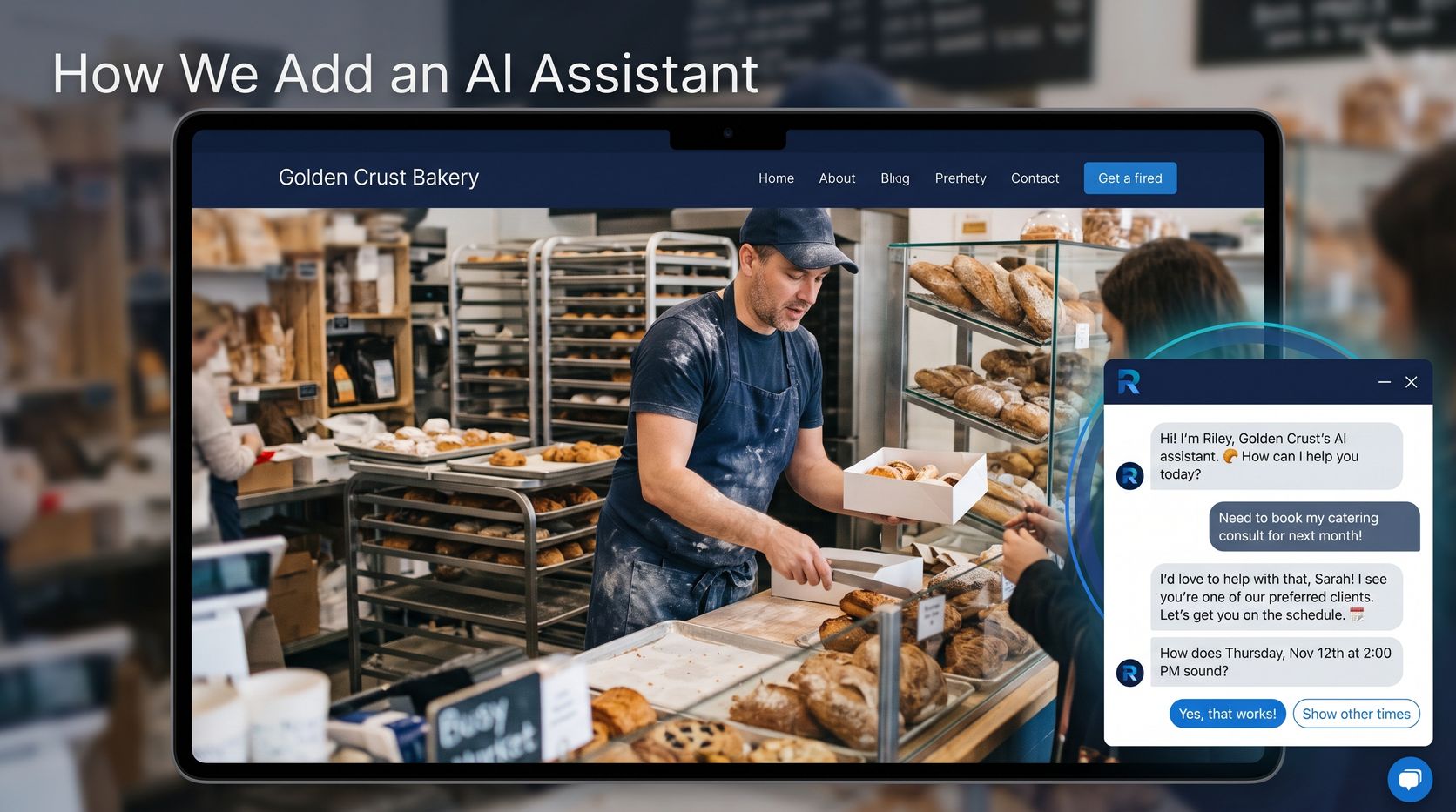
What You’re Actually Getting
An AI assistant on your site isn’t a pop-up with canned replies. Done properly, it does three jobs a receptionist would do, at any hour:
- Answers questions about your services, prices, service area and policies, using your own information.
- Qualifies the visitor, so you know what they need before you ever talk to them.
- Books the appointment straight into your real calendar, or passes the lead to you with everything you need to follow up.
If you’re still deciding whether a chatbot makes sense at all, start with our complete guide to AI chatbots for small business. This post assumes you’ve decided it might, and want to know what happens next.
The Seven Steps From Kickoff to Live
1. A kickoff call: what should it do?
We start with your business, not the technology. Where do your leads come from? What do people ask before they book? Where do you lose them today? Is it slow replies, phone tag, or a contact form nobody answers until Monday?
The answer decides the assistant’s job. A cleaning company might want it to quote and book. A contractor might want it to qualify the job and collect photos for an estimate. A photographer might want it to check dates and send a package list. One clear job beats a dozen half-done ones.
2. You send us what you already have
You don’t need to write anything new. We work from what already exists:
- Your services and prices, or the rules you use to price a job
- The questions customers ask most, and how you answer them
- Policies: deposits, cancellations, warranties, what you don’t do
- Service area and hours
- Your booking calendar, if you want it to book
- Where new leads should go: usually an email address, and a phone number for call-backs
Old emails, your website, a price sheet, even notes from your phone all count. If something’s missing, we fill it in together on a short call.
3. We teach it your business
Your information becomes the assistant’s knowledge base. When a visitor asks a question, the assistant looks up the answer in your material before replying, so it talks about your prices and your policies, not generic ones it found somewhere else.
We also write its instructions: how it should sound, what it should never promise, when to hand off to a person, and how to steer a conversation toward a booking without being pushy. When something isn’t covered, it says so and offers to have someone follow up rather than guessing.
4. We connect it to the tools you already use
This is where an assistant goes from “answers questions” to “makes you money”:
- Booking: the assistant checks your real open times and books the slot. It works with calendar tools like Cal.com and SimplyBook.me, so the appointment lands where you already look.
- Lead notifications: every qualified lead and booking is emailed to you with the visitor’s details, what they asked about, and how they want to be contacted.
- Quotes: if your pricing follows rules (per room, per square foot, per hour), the assistant can give a ballpark on the spot instead of “we’ll get back to you.”
- Your CRM or other systems, when you need them, as a custom project.
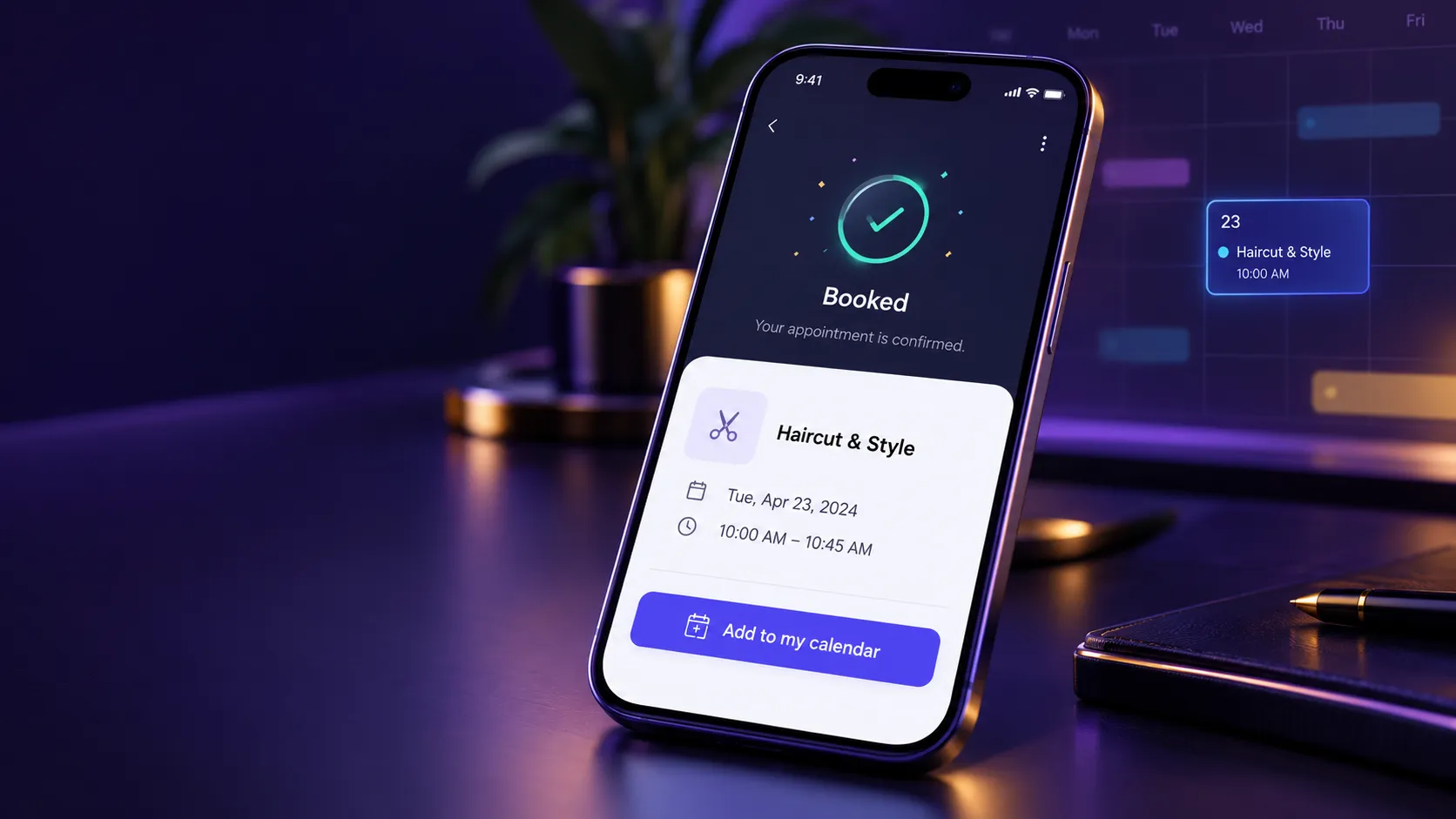
After a booking, the visitor gets an “Add to my calendar” button, so the appointment is on their phone as well as yours.
5. We install it on your site
This is the quickest step. The assistant is added with one short snippet of code, the same way you’d add Google Analytics. There’s no new website and no rebuild, and it loads separately, so it doesn’t slow your pages down.
It sits in the corner as a chat bubble. It can also open with a friendly greeting once a visitor has been reading for a little while, which catches people who have a question but wouldn’t think to click.
6. We test it before your customers do
Before launch, we try to break it. We ask the questions your customers ask, then the ones they shouldn’t: off-topic requests, trick questions about pricing, attempts to get it to promise something you don’t offer. We make real test bookings and confirm they land on your calendar and in your inbox.
It’s also protected from abuse. Suspicious conversations get a quick “are you human?” check, and each chat can only book once, so nobody can fill your calendar with junk appointments.
Then you try it. Nothing goes live until you’re happy with how it talks about your business.
7. Launch, then the first 30 days
Going live isn’t the finish line. The first month is where an assistant gets good:
- We read the real conversations and look for questions it couldn’t answer well, then add what was missing.
- We watch where visitors drop off, the same way we found the one question that was costing our own assistant bookings.
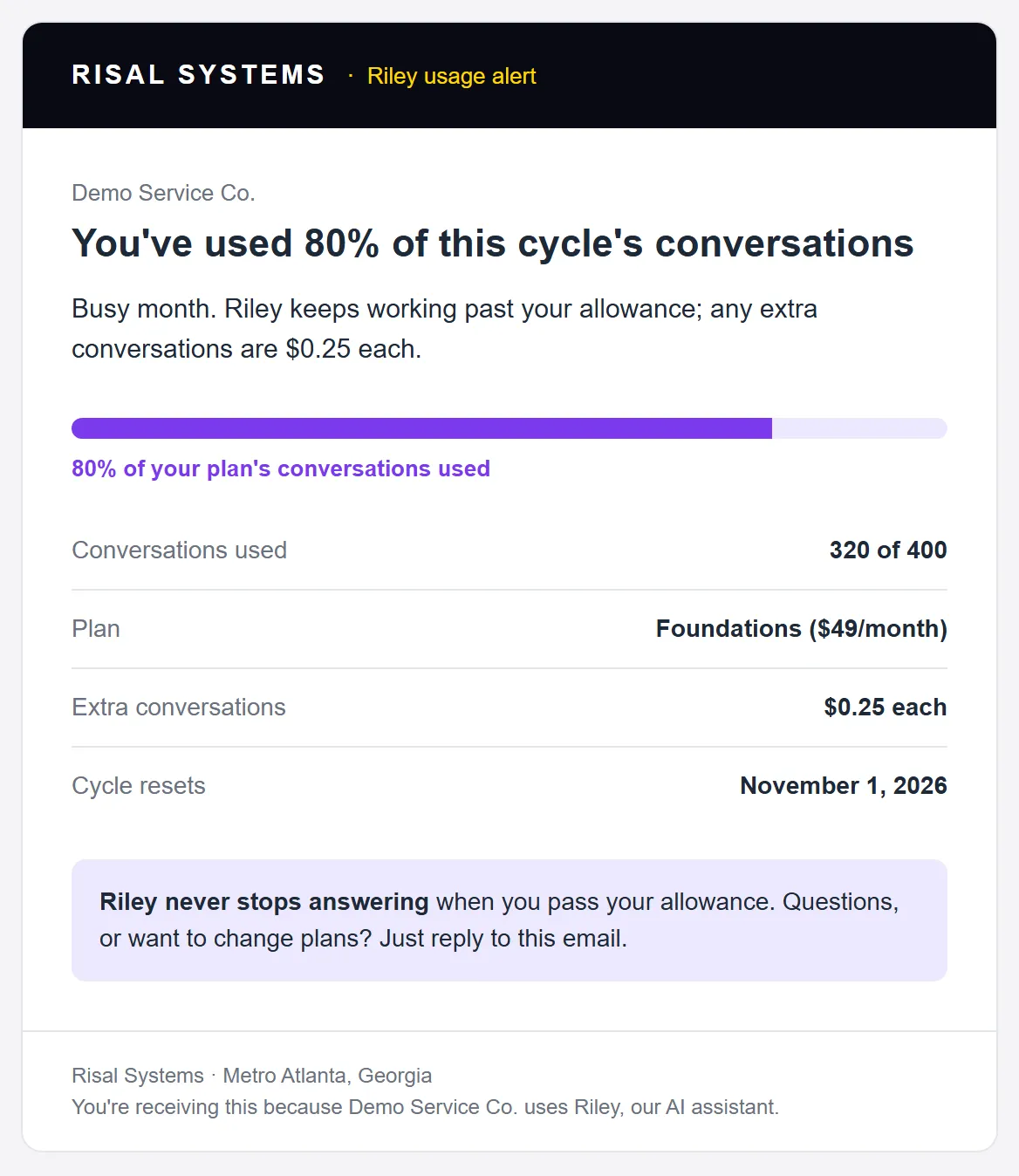
- You get usage emails at 50%, 80% and 100% of your monthly conversation allowance, so a busy month is never a surprise. The assistant never shuts off when you go over.
How Long It Takes
| Stage | Typical time | What you do |
|---|---|---|
| Kickoff call | Day 1 | Tell us how customers find and book you today |
| Gather information | Days 1–5 | Send what you have; one short follow-up call |
| Build, connect and test | Days 3–10 | Nothing, until we ask you to try it |
| Your review | 1–2 days | Chat with it and tell us what to change |
| Go live | Days 7–14 | Approve, and we install the snippet (or send it to whoever manages your site) |
The biggest variable is step 2. Businesses that send their information in the first couple of days are usually live in about a week.
What Makes It Actually Work for Your Business
Plenty of chatbots get installed and quietly ignored. The ones that pay for themselves have a few things in common:
- A clear job. “Book cleaning appointments” beats “help visitors.”
- Your real information. Vague answers lose trust. Specific prices and policies earn it.
- Real availability. Showing actual open times turns “I’ll think about it” into a booking.
- Ask for as little as possible. Our visitors book without being forced to hand over an email. They choose email, a call back, or calling in themselves. See where small businesses lose leads for why that matters.
- A clear handoff. When a conversation needs a person, the lead reaches you right away with everything already written down.
- Someone reading the conversations. The first month of tuning is what turns a decent assistant into a good one.
What It Costs
Here’s how we price Riley, our AI assistant:
- Setup (one time): $950 on your existing website, $500 on a site we built, and from $2,000 when it connects to a CRM or other custom systems.
- Monthly plan: from $49 a month for 400 conversations, with larger plans at $99 and $199.
- Going over: extra conversations cost 15 to 25 cents each depending on the plan, and the assistant never stops answering.
For how this compares with typical chatbot and automation pricing, see our complete guide to AI chatbots.
Related reading:
- The Complete Guide to AI Chatbots for Small Business (2026)
- From Website Inquiry to Booked Appointment: Where Small Businesses Lose Leads
- Business Automation Resource Hub
See what an assistant would do on your site
Tell us how customers find and book you today. We'll show you what an AI assistant could handle for your business, and what setup would look like, with no obligation.