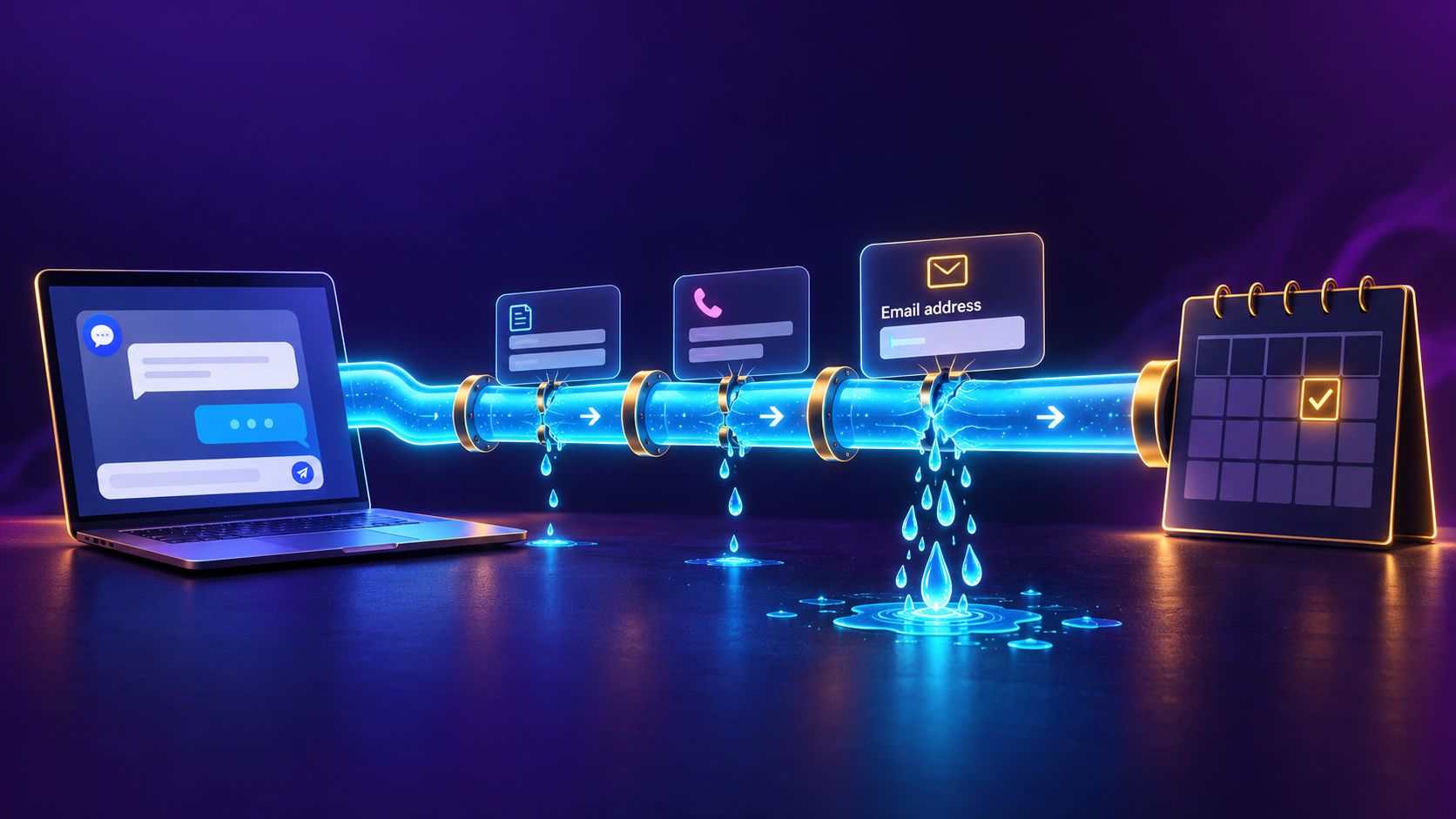
The Path From “I’m Interested” to “I’m Booked”
Every appointment your business gets from its website passes through the same short chain:
- Arrive Found you on Google, in Maps, or by referral
- Ask Price, availability, service area
- Decide You're worth a conversation
- Pick a time A slot that works for them
- Confirm Proof it's booked
- Show up The appointment happens
Each step in that chain is a place where a lead can drop out. Most businesses only look at step 1 (more traffic, more calls). The cheaper win is usually fixing steps 2 through 6, because you’ve already paid to get those people there.
The Five Places Leads Leak
1. Slow responses
An inquiry that sits in an inbox overnight is an inquiry that books with a competitor. People don’t wait for answers. They contact the next business on the list. If the phone is part of your path, the same thing happens with unanswered calls, which is why we call missed-call text-back the highest-ROI automation a small business can add.
2. Phone tag
“Call us to schedule” sounds friendly, but your customers are at work during your business hours, just like you. Each missed call back makes the next attempt less likely.
3. Too many steps
Contact form → reply email → “what times work for you?” → “how about Thursday?” → “Thursday’s gone, how about Friday?” Every round trip is a chance for the visitor to get busy and forget about you.
4. Asking for too much, too early
Required fields in front of a decision are friction. Phone number, email, address and a description of the job, all before the visitor even knows whether you have an opening this week. This is the leak we found in our own product, and it’s the heart of this post.
5. No confirmation and no reminder
A booking the customer doesn’t remember making is a no-show waiting to happen. If nothing lands in their calendar, the appointment only exists in yours.
Our Own Lesson: The Email Question
Riley is the AI assistant we build for clients and run on our own site. It answers questions, qualifies the visitor and books appointments straight into a real calendar.
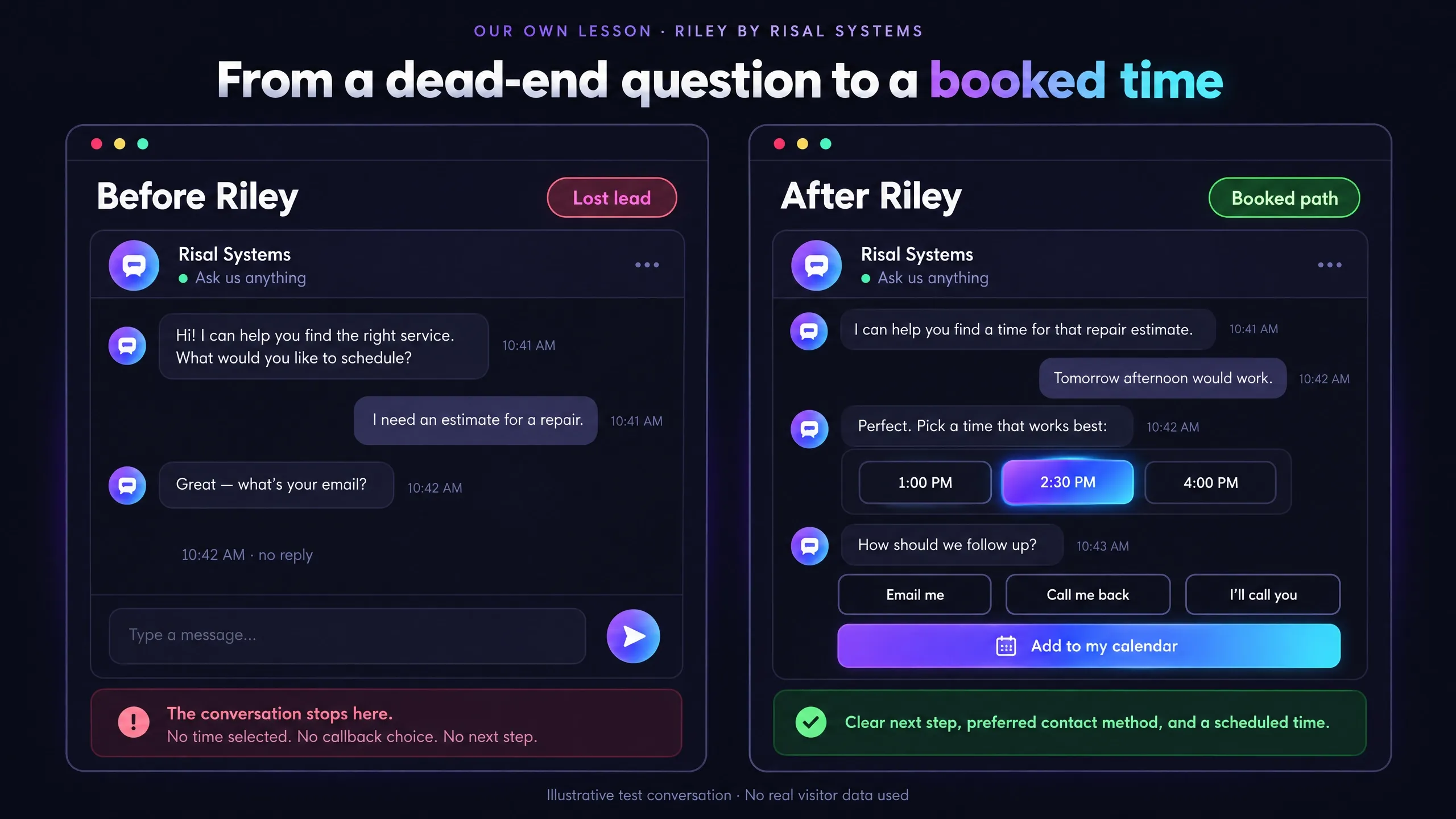
Riley used to ask a visitor for their email address before confirming a booking. It seemed reasonable: the booking system needs somewhere to send the confirmation, and the business wants a way to follow up.
Then we read the conversations. At least four visitors who were ready to book walked away at exactly that question. Not at the price, not at the available times. They were happy until they were asked for their email, and then they stopped replying.
That’s the pattern behind leak #4. The visitor had already decided to book. The email ask turned a “yes” into “do I trust these people with my inbox?”, and enough of them decided not to.
What we changed
We didn’t just make the field optional. We changed the order and gave the visitor the choice:
- Pick the time first. Riley only asks how to stay in touch after the visitor has chosen a slot, when they’re already committed.
- Let the visitor choose how to be reached. Email, a phone call back, or nothing at all: they can call the business themselves at the booked time.
- Hold the slot either way. The appointment goes on the business’s real calendar whether or not the visitor shares any contact details, and the business gets an email saying how to reach the visitor (“call them at…” or “they’ll call you at…”).
- Replace the reminder email. Visitors who don’t share an email get an “Add to my calendar” button instead, so the appointment still lands in their own calendar.
- Keep a guardrail. With no contact details required, it would be easy to fill a calendar with fake bookings, so each chat conversation can only book once.
For visitors who hesitate, Riley explains plainly that their details are only used to contact them about the appointment: no mailing list, no text list, never sold or shared.
We also looked at texting as an alternative and ruled it out. No SMS provider offers a usable free tier, and an ongoing per-message cost just to confirm appointments wasn’t worth it. Letting the visitor choose solved the problem without adding a new bill.
The general rule
Ask for the minimum, and only after the visitor has committed. Every field you require before the “yes” costs you some of the people who would have said yes. Collect the rest after the booking is safe, or let the customer choose.
What a Good Booking Workflow Looks Like
Whatever tools you use, a workflow that doesn’t leak has these traits:
- Answers come fast, at any hour. A chatbot, an instant auto-reply with your booking link, or a text-back for missed calls.
- Real availability, not “we’ll get back to you.” The visitor sees actual open times from your calendar.
- The visitor chooses how they’re contacted. Email, phone, or neither.
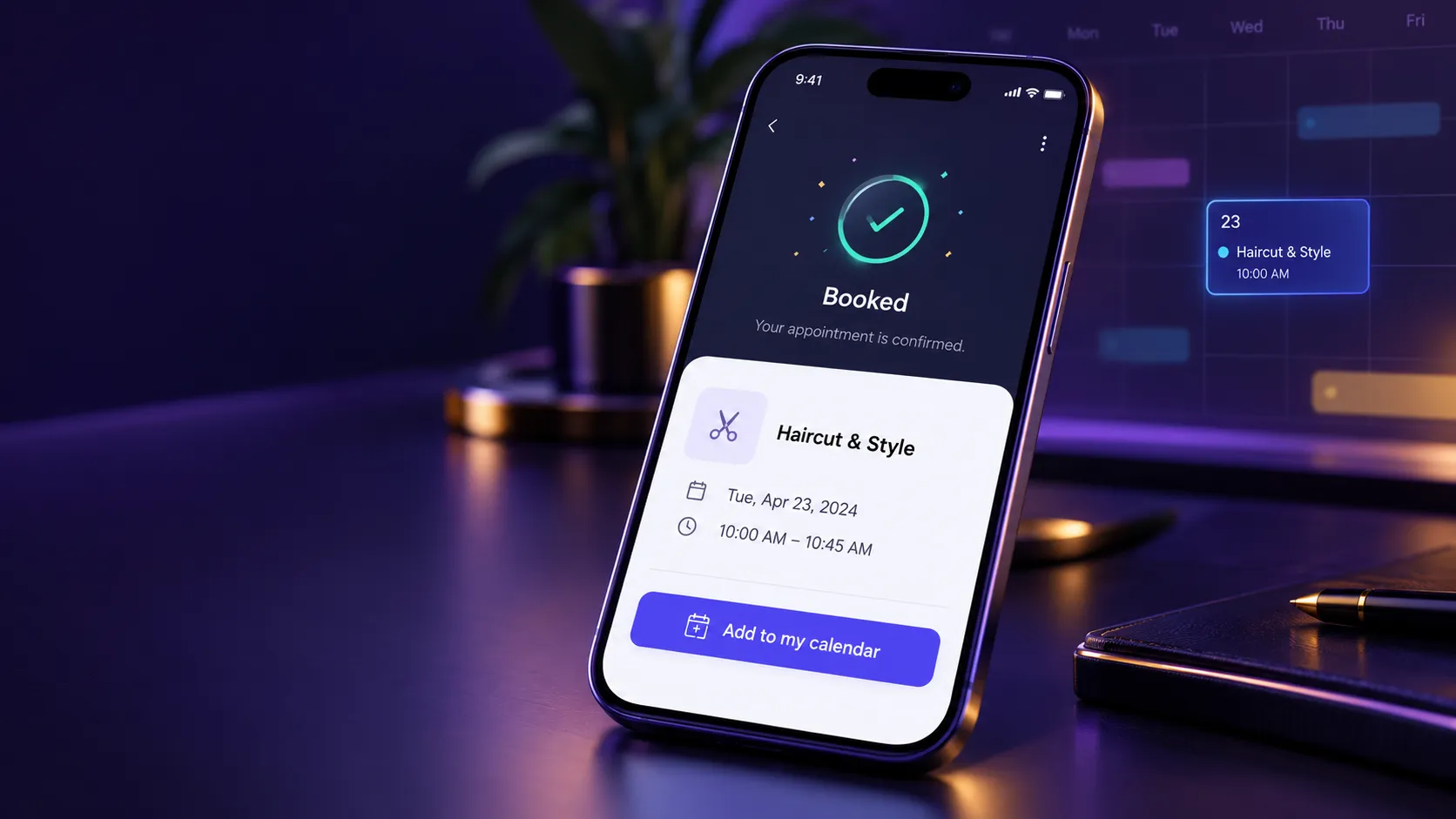
- Instant confirmation with an easy way to add the appointment to their own calendar.
- Reminders and a follow-up through the channel the visitor picked, plus a short follow-up when someone misses an appointment.
- Basic protection against spam bookings, so removing friction doesn’t open the door to junk.
Three Ways to Build It
| Approach | What it covers | What it misses |
|---|---|---|
| Booking link (Cal.com, Calendly) | Real availability, instant confirmation, calendar invites. Free to a few dollars a month. | Can't answer questions or qualify the visitor first. Most tools still require an email. |
| Booking link + automation | Adds reminders and missed-call text-back, so phone leads aren't lost either. | Visitors with questions still have to wait for a person. |
| AI assistant that books | Answers, qualifies and books in one conversation, at any hour, and can let the visitor choose how they're contacted. | Higher setup cost, and it needs to be built carefully. See our complete guide to AI chatbots. |
For many businesses the first option, set up properly, fixes the biggest leaks. Move up a level when the phone, or the questions people ask before booking, are where you’re losing people.
Quick Self-Audit
Answer yes or no for your own business:
- Can a visitor book at 9pm on a Sunday without talking to anyone?
- Does a visitor with a question get an answer in minutes, not hours?
- Can someone see your real open times without emailing you first?
- Can a visitor book without giving you their email address?
- Do you ask for contact details only after the visitor has picked a time?
- Does every booking end with something in the customer’s own calendar?
- Do missed calls get an automatic reply?
- Does a no-show get a follow-up?
Every “no” is a leak worth fixing, and most of them can be fixed without a new website.
Related reading:
- Business Automation Resource Hub
- Why Missed Call Text-Back Is the Highest-ROI Automation
- The Complete Guide to AI Chatbots for Small Business (2026)
- How We Add an AI Assistant to Your Website
- Is Your Website Losing You Customers?
- Can a Homeowner Trust You Before They Call?
Find out where your bookings are leaking
Tell us how customers book with you today. We'll point out the leaks and what it would take to close them, with no obligation.